Your whole track on one screen
Layers you can see, blocks you can move, effects you draw over the bars you want, and a panel that follows what you pick. Here is the studio, part by part.
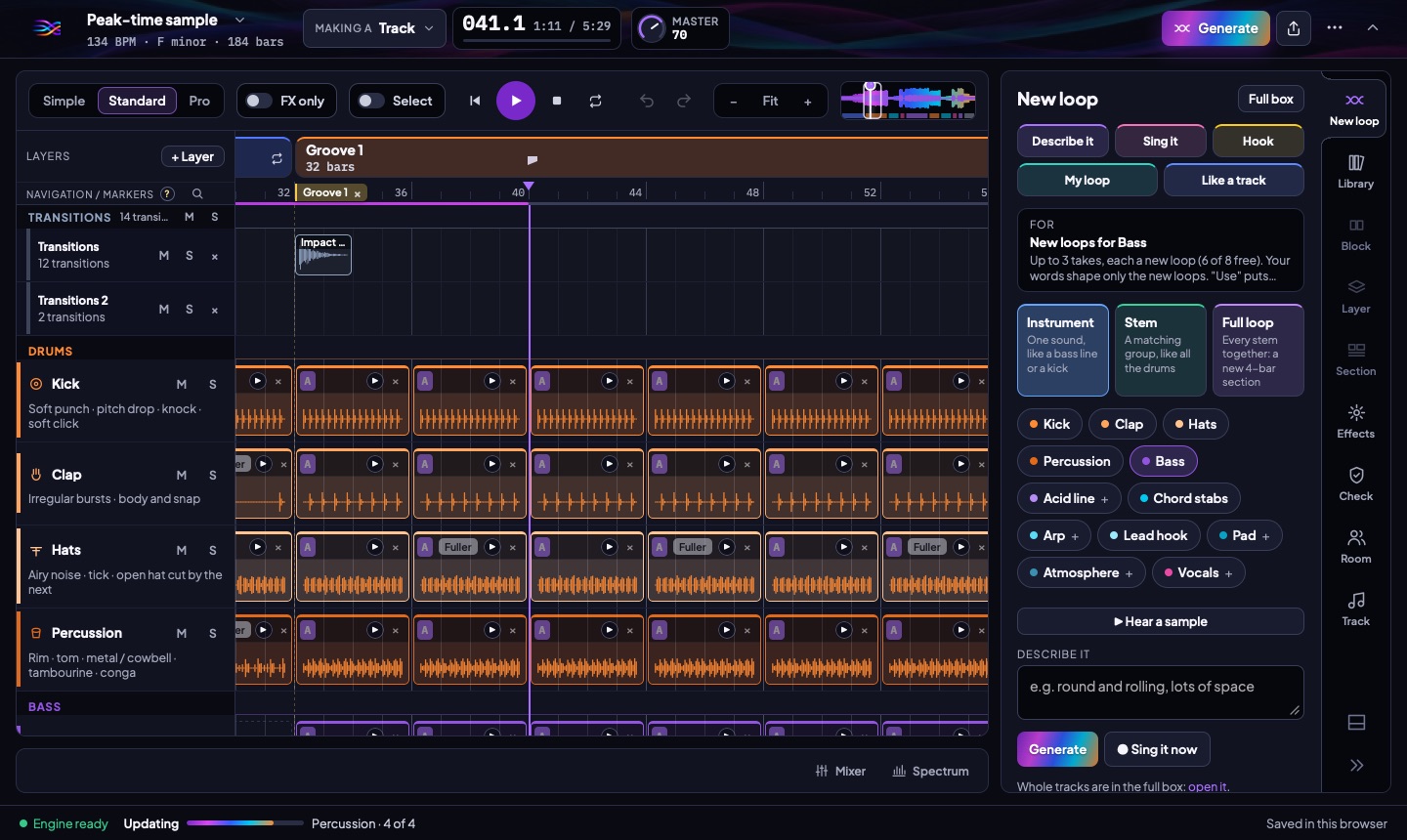
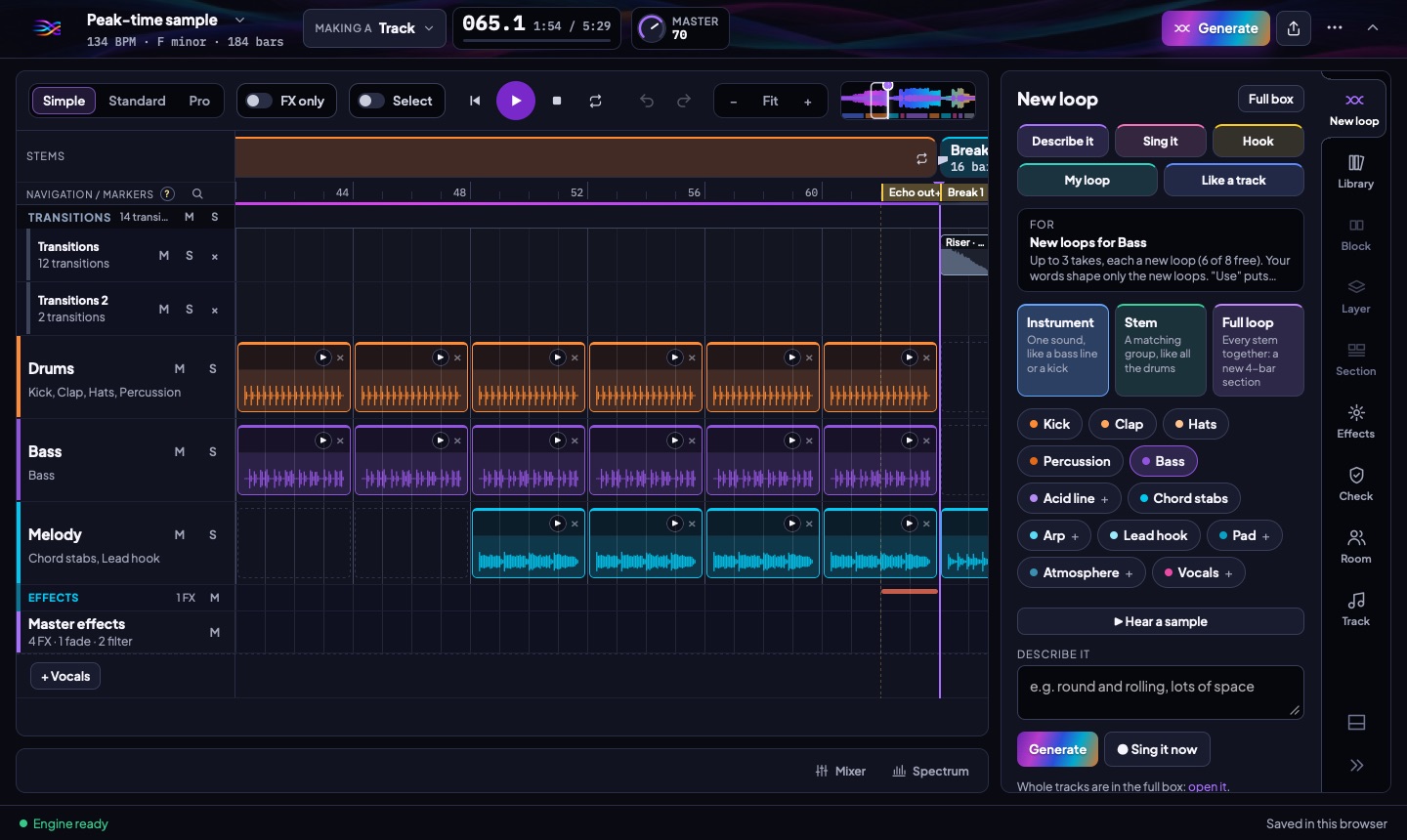
As simple or as detailed as you like
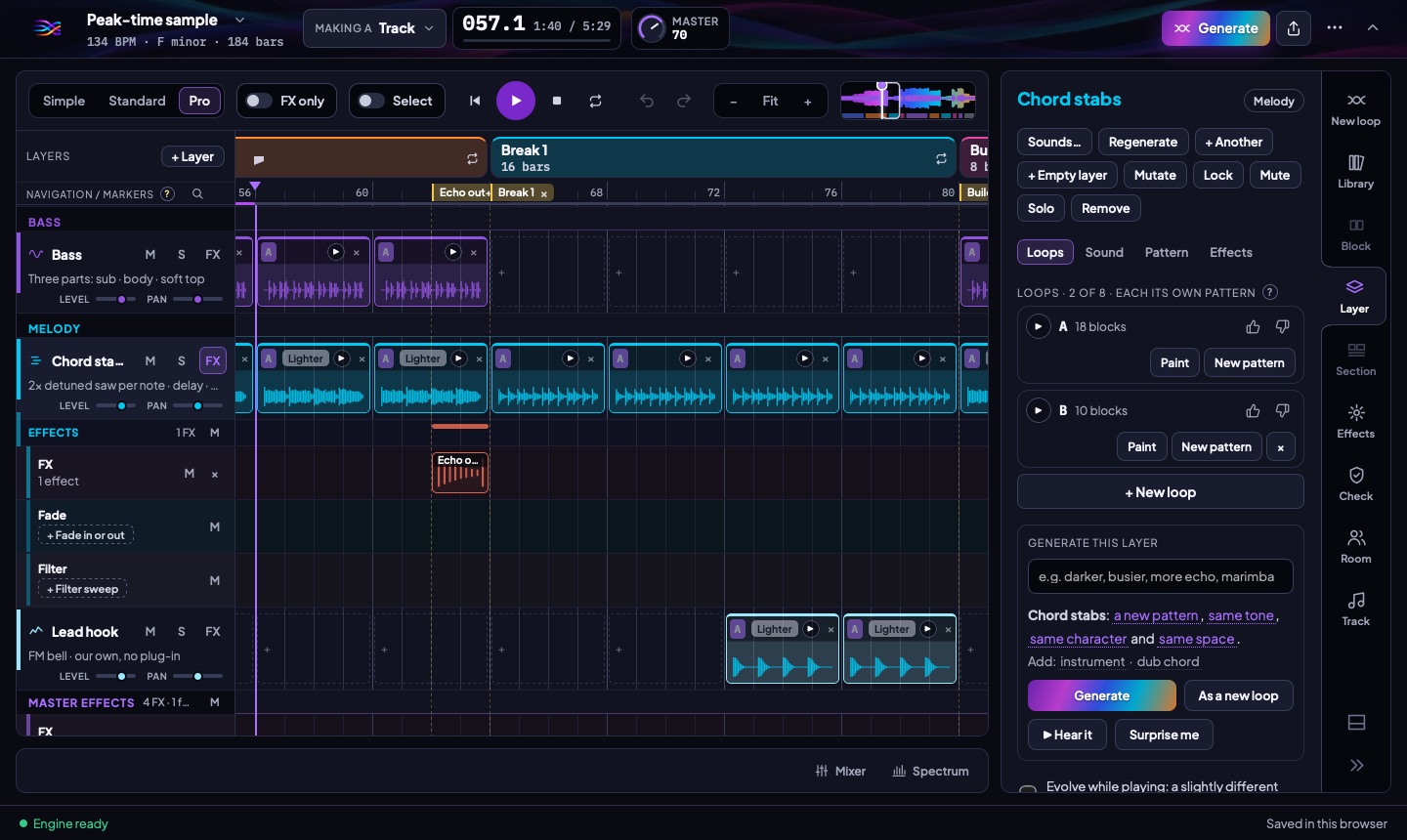
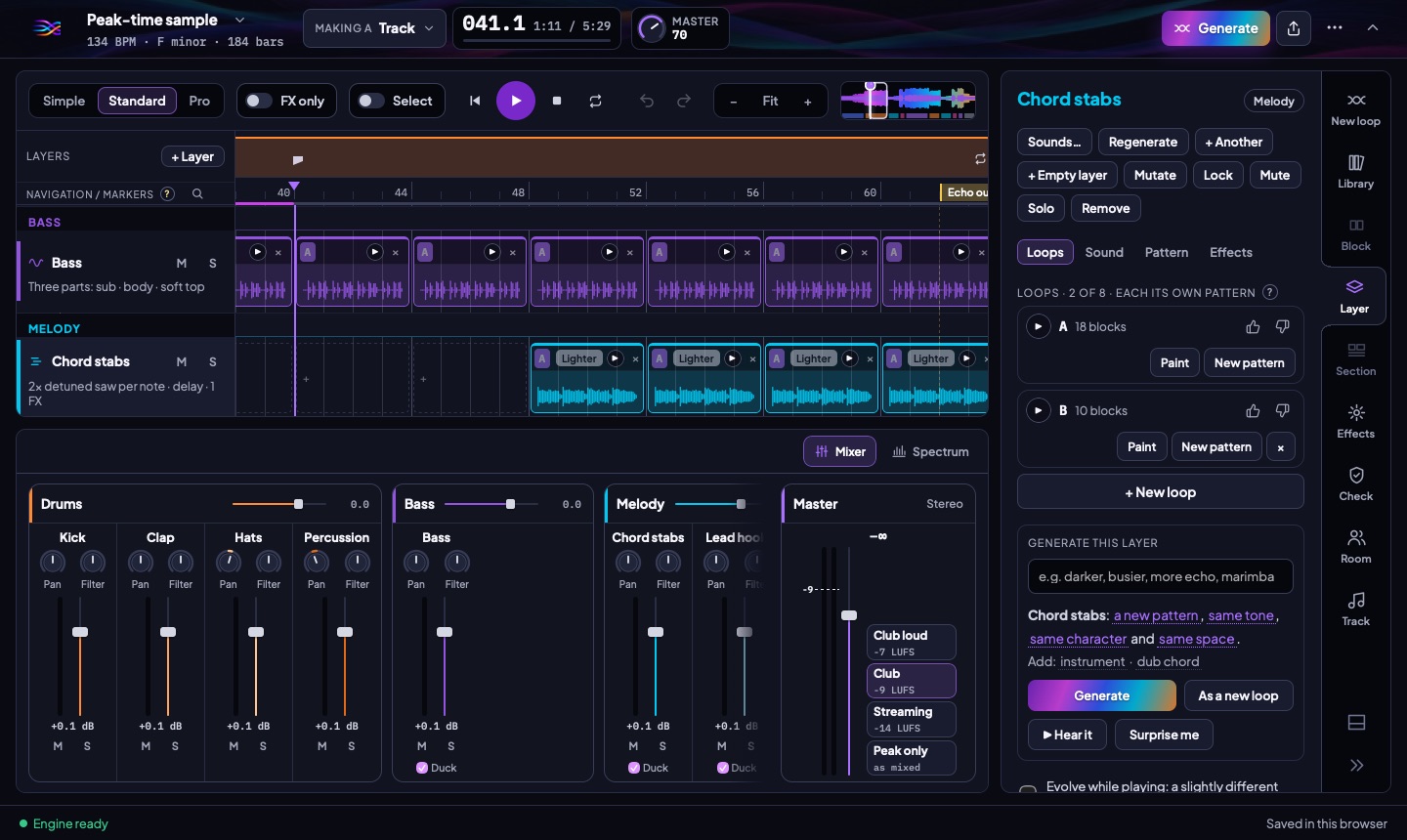
Simple shows one row per stem: drums, bass, melody, vocals. Standard shows every layer with its blocks. Pro adds level, pan and filter on each layer, and its effect, fade and filter lanes.
The track is the same in all three: switch at any time.
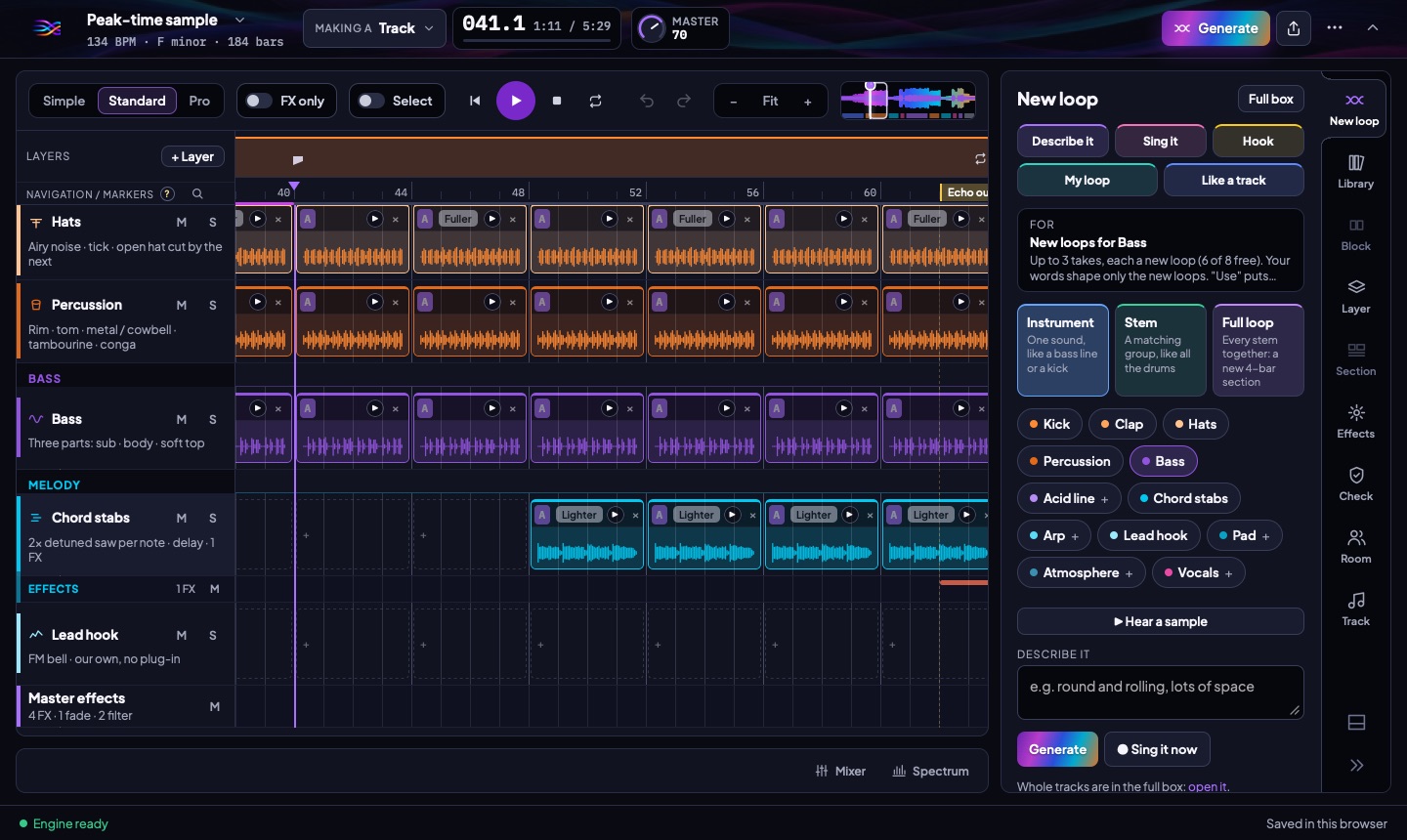
Describe it, sing it, or start from a track you like
The panel's New loop tab makes sound from what you give it: a few words, a hummed line, or the feel of a track you like. Pick which layers you want, or let it fill the rest around what you have.
Every loop it makes goes to your library, so nothing is lost.
The idea in your head, as a loop
Hum, sing or beatbox a line. The notes snap to the beat and the key, then become a loop on a layer, ready to arrange.
Effects over exactly the bars you want
Open a layer's lanes and draw an effect across the bars where it should play: echo, reverb, filters, gates and 50 more, plus ready-made throws, build-ups and endings. Fades and filter sweeps have their own lanes.
Effects can overlap; each gets its own lane, and every lane can be muted.
A mixer under the layers
Open the Mixer from the bar under the layers: a fader, meter, pan and filter for every layer, grouped by stem, and the track's loudness for the club, for streaming or as mixed.
Spectrum shows where the sound sits, so the kick and bass don't fight.
Just a loop, when that's what you need
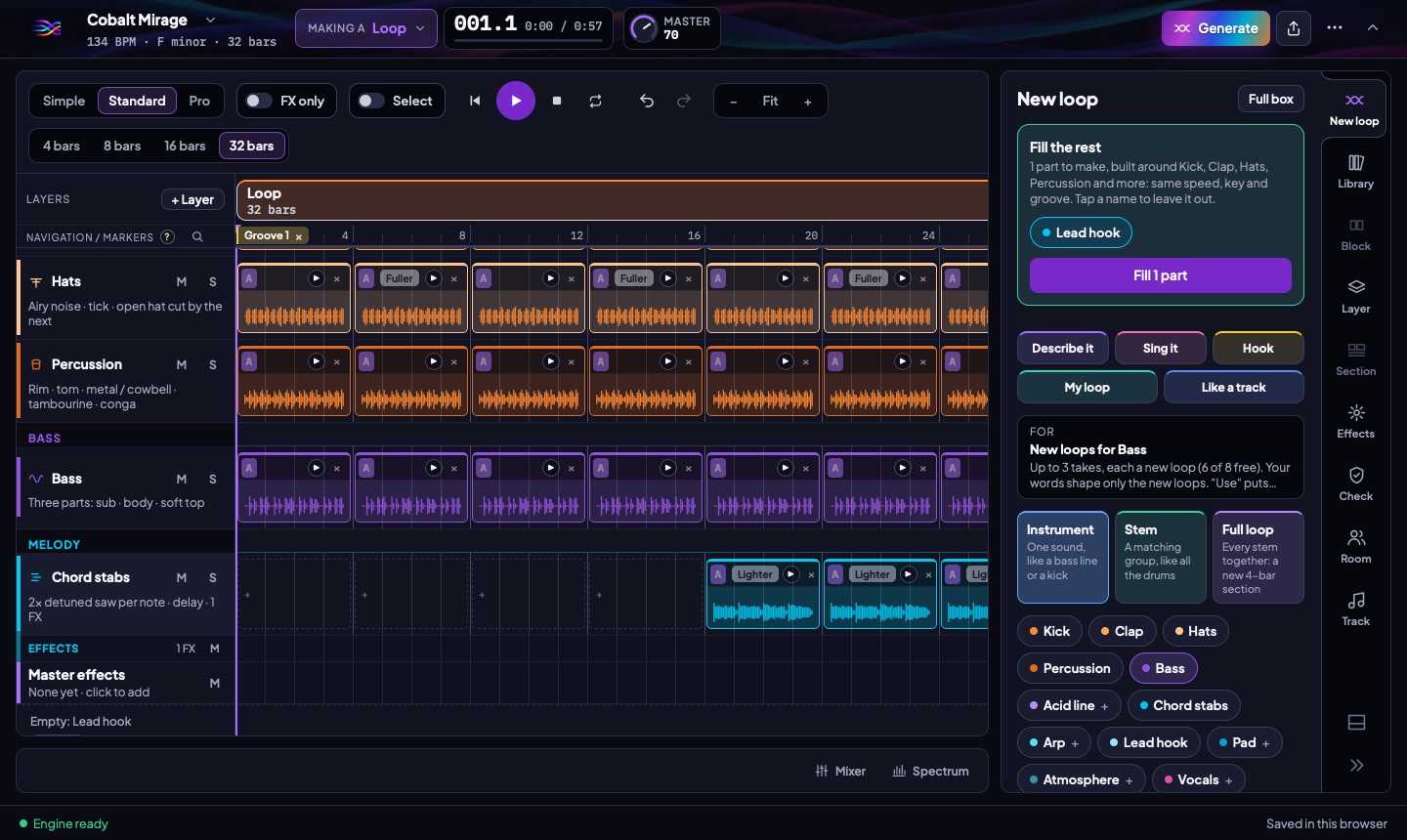
Switch Making a to Loop: one section of 4, 8, 16 or 32 bars, with a seamless check and a loop-pack export. Grow it into a whole track whenever you are ready.
Separate threads, one track
Every instrument is its own layer. Weave them into one track, and pull any of them out again as a stem for your DJ sets, remixes or a mastering engineer.
Help where you work
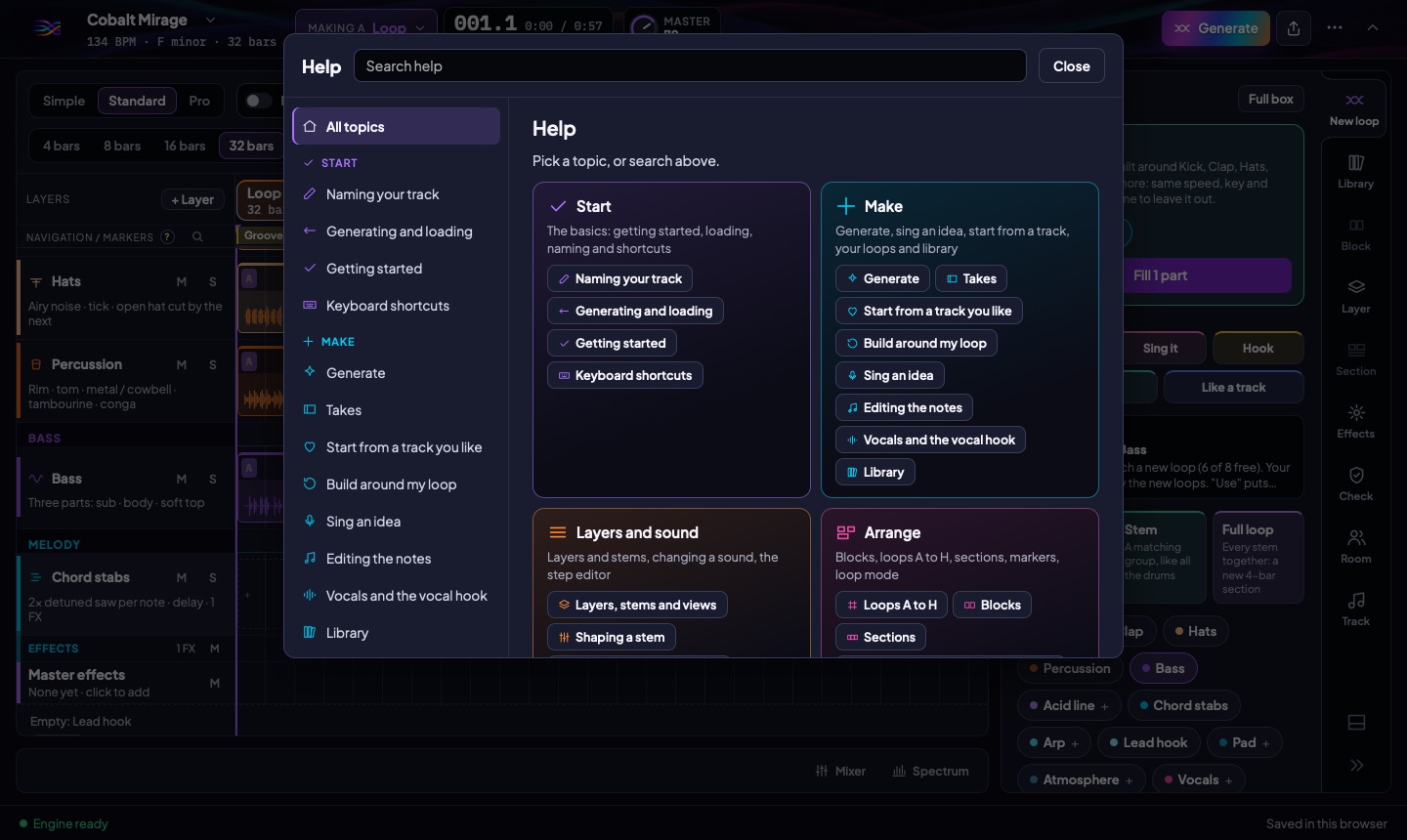
Every part of the studio is explained in its Help, by topic, with pictures. The small ? next to a control tells you what it does, right there.
Ready to make something?
Raveloom is in private early access. Request an invite, or open the studio if you have one.