
Mix whole tracks into a set
Drop in your tracks. Mix finds their tempo, key and sections, matches their tempos, and blends one track into the next. Shape each blend, split stems, then export the set.
Open to try, no account needed. Your audio stays in your browser: nothing is uploaded. Mix opens on a computer or a tablet.
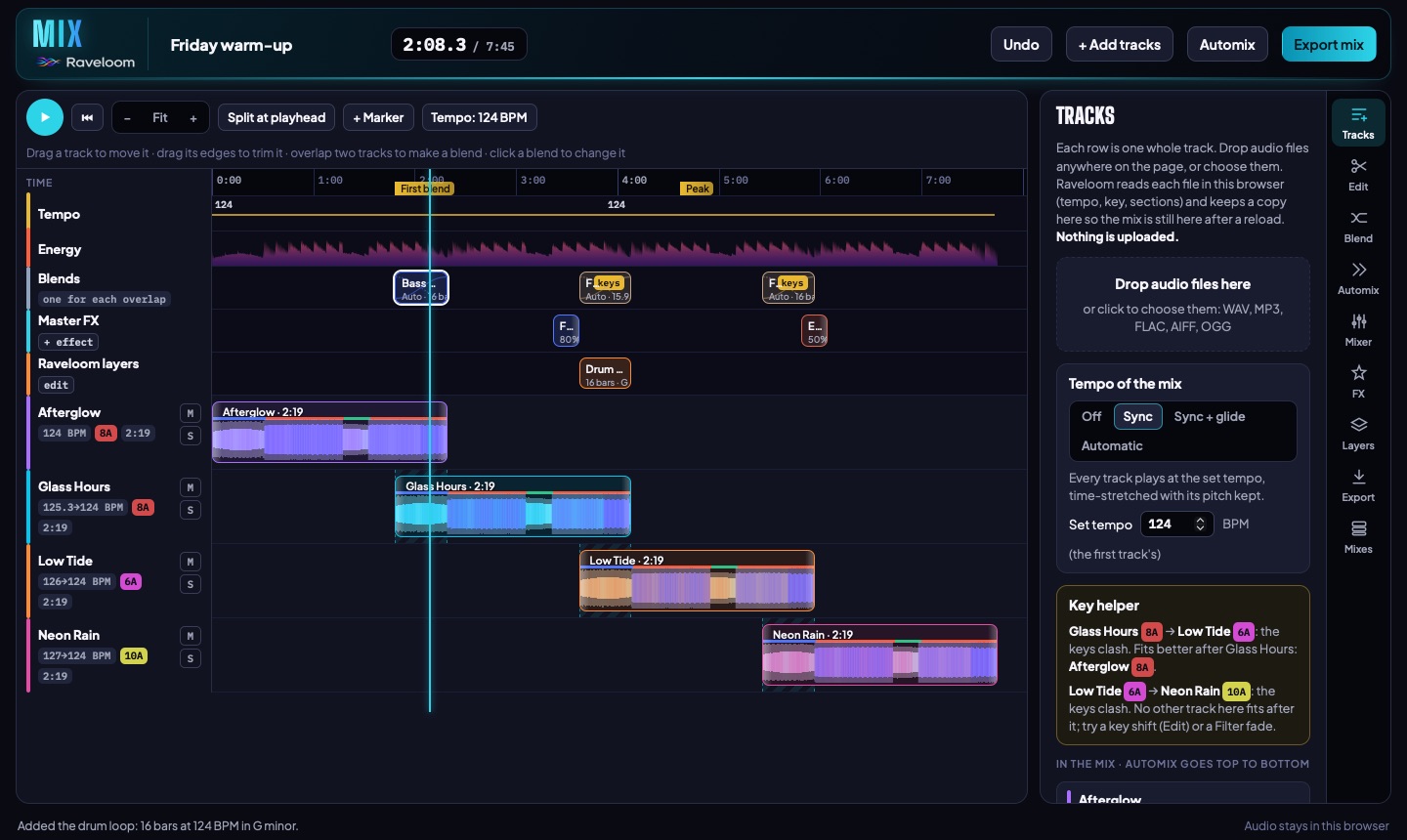
The screenshots on this page use test tracks made of plain tones.
Overlap two tracks, pick how they cross
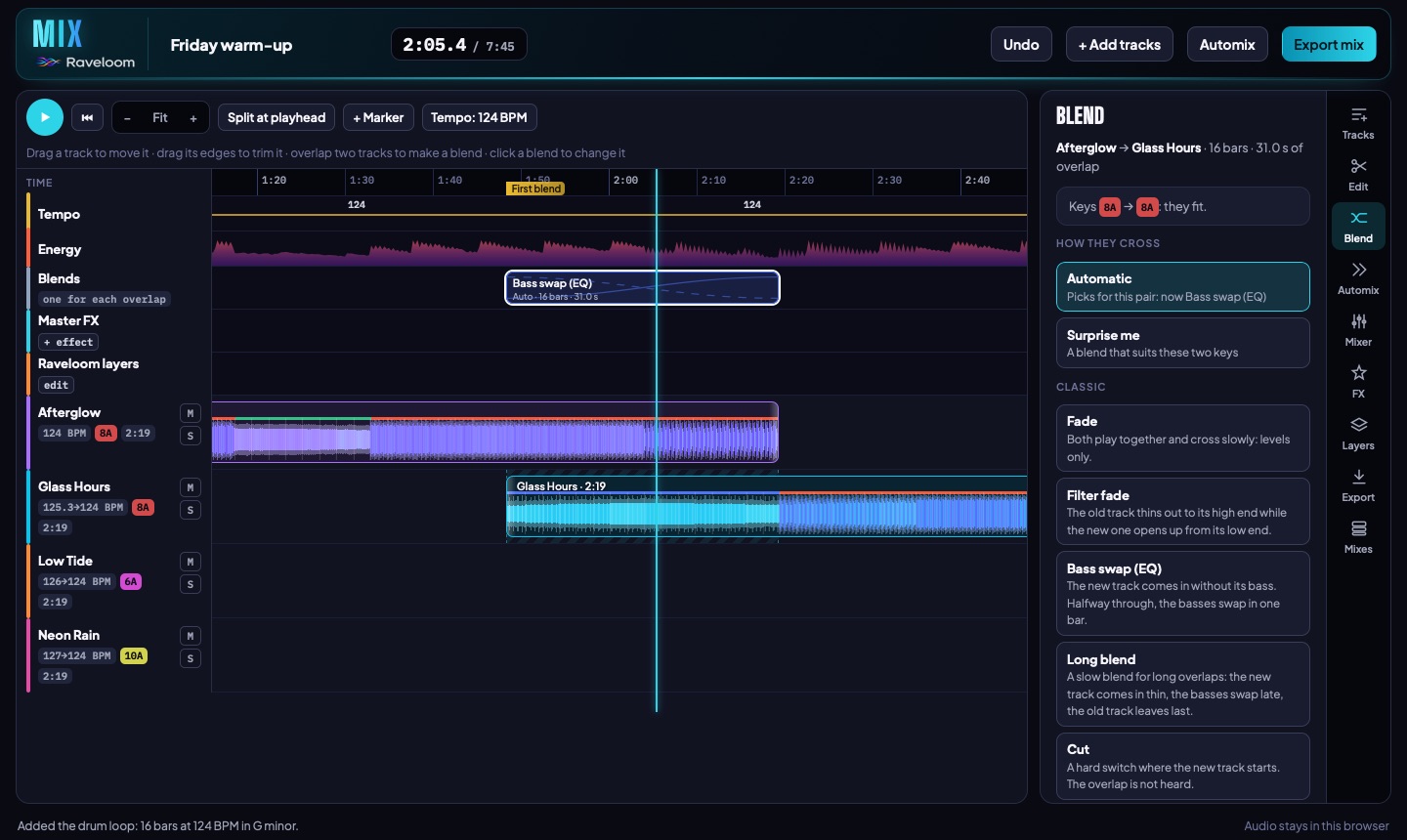
Wherever two tracks overlap, Mix makes a blend. Pick one of 18, or leave it on Automatic, which picks for each pair, or Surprise me. Change its length in bars or seconds at any time.
Classic
Effects
Build
With stems
Tempos matched, beats lined up
Mix finds each track's tempo from its beats. If it's off, tap it or type it, and tap the first beat to fix the beat grid.
- Sync plays every track at the set tempo, time-stretched with its pitch kept.
- Sync + glide lets each track keep its own tempo, and the tempo glides across each blend.
- Automatic syncs tracks close to the set tempo and glides to the ones further away. Off keeps every track at its own speed.
- A tempo lane and an energy curve run over the whole mix.
Keys that fit, in Camelot codes
Mix finds each track's key and shows it as a Camelot code, the way DJs name keys: 8A is A minor.
- The key helper warns you when two tracks in a row clash.
- It tells you which of your tracks fits next.
- Shift a track by one or two semitones to make it fit.
Cut a track to the part you want
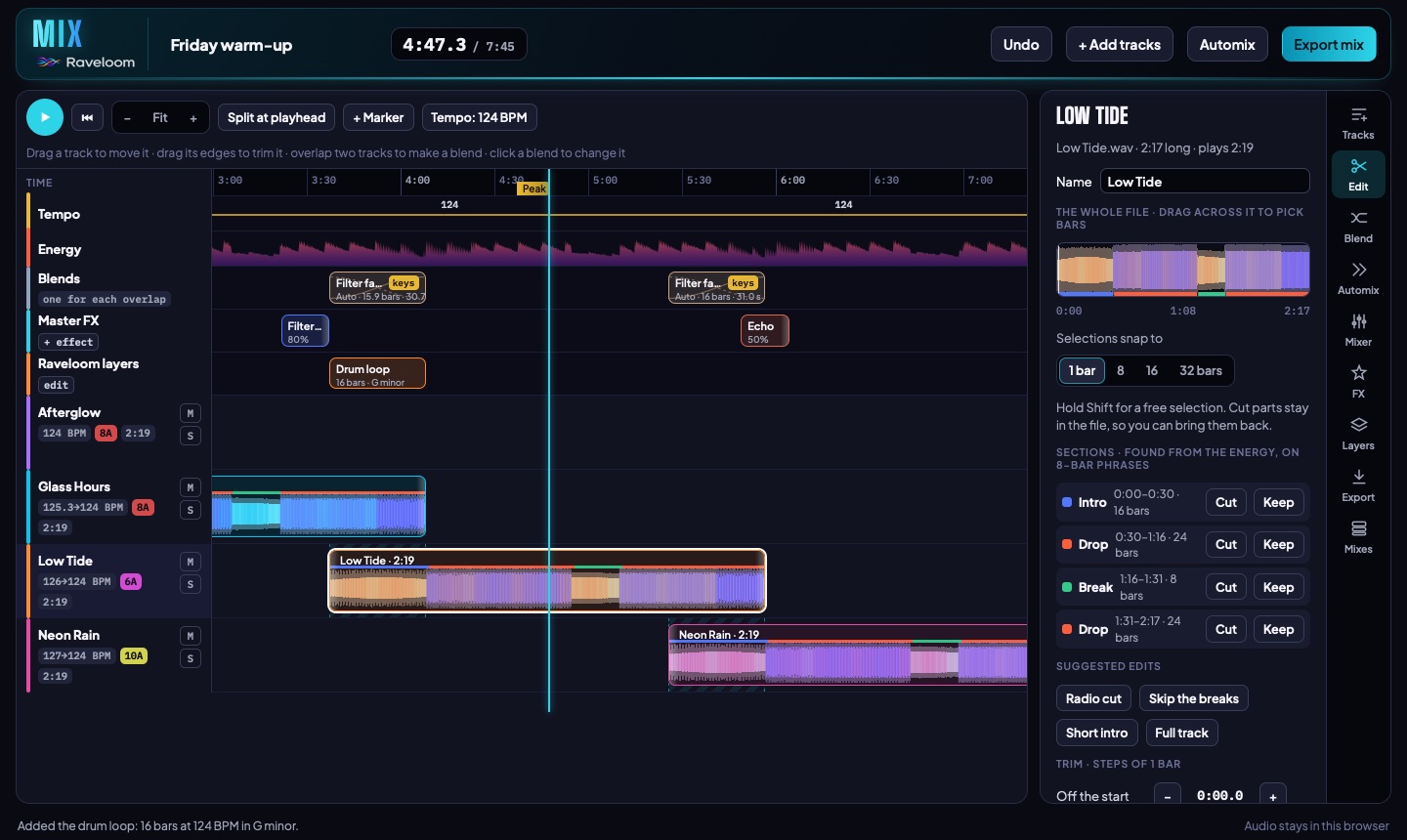
Mix marks each track's intro, build, drop, break and outro on 8-bar phrases. Cut or keep a section in one click.
- Suggested edits: Radio cut, Skip the breaks, Short intro, or the Full track.
- Trim the ends, split at the playhead, cut any bars. Undo takes back each step.
- Add markers to find your way around a long mix.
The whole set laid out in one go
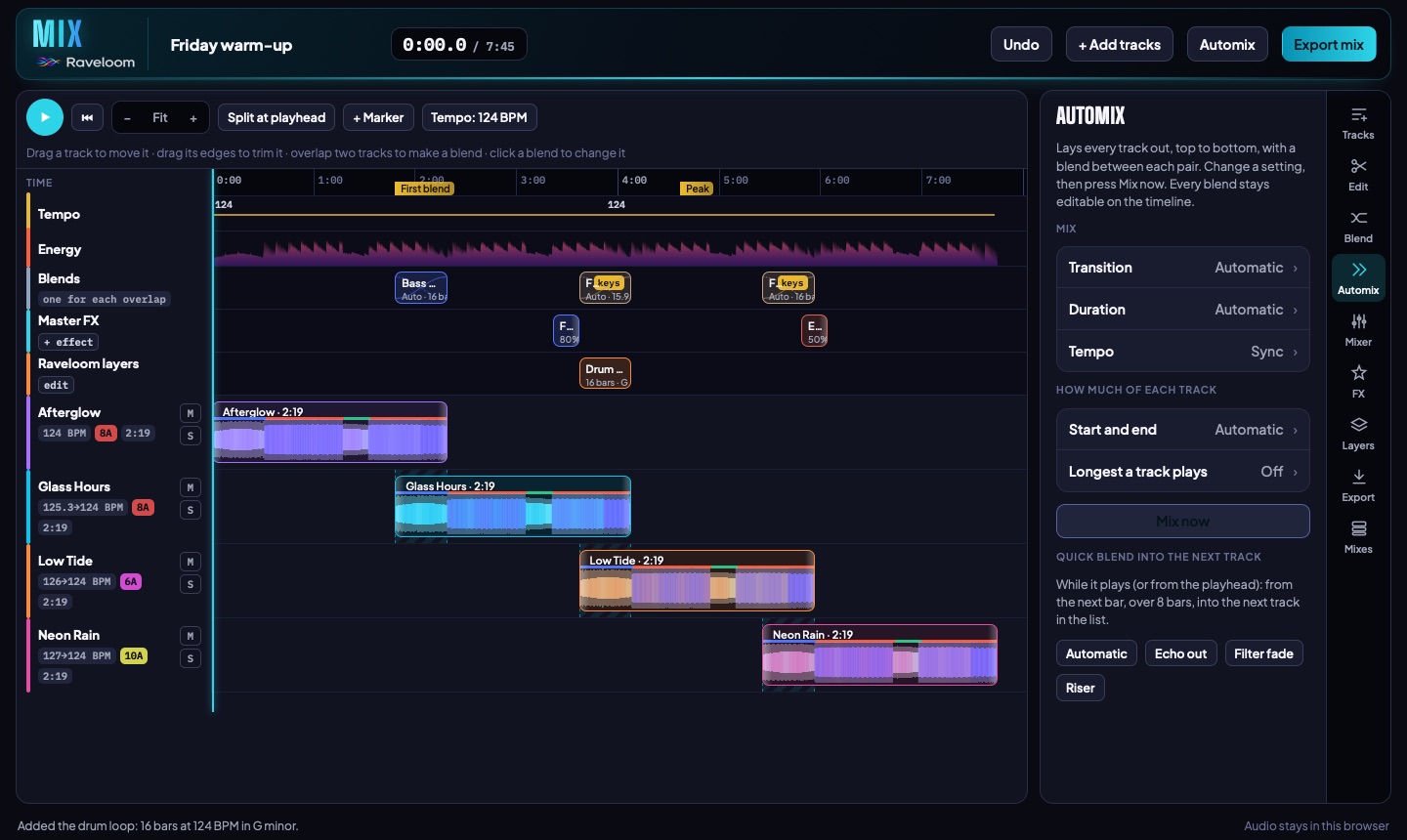
Press Automix and every track goes on the timeline with a blend between each pair. Before you press Mix now, choose:
- the blend, or Automatic or Surprise me
- how long each blend is, and the tempo
- where each track starts and ends, and the longest a track plays
Every blend stays editable afterwards. While it plays, a quick blend takes you into the next track from the next bar.
Stems, split on your own computer
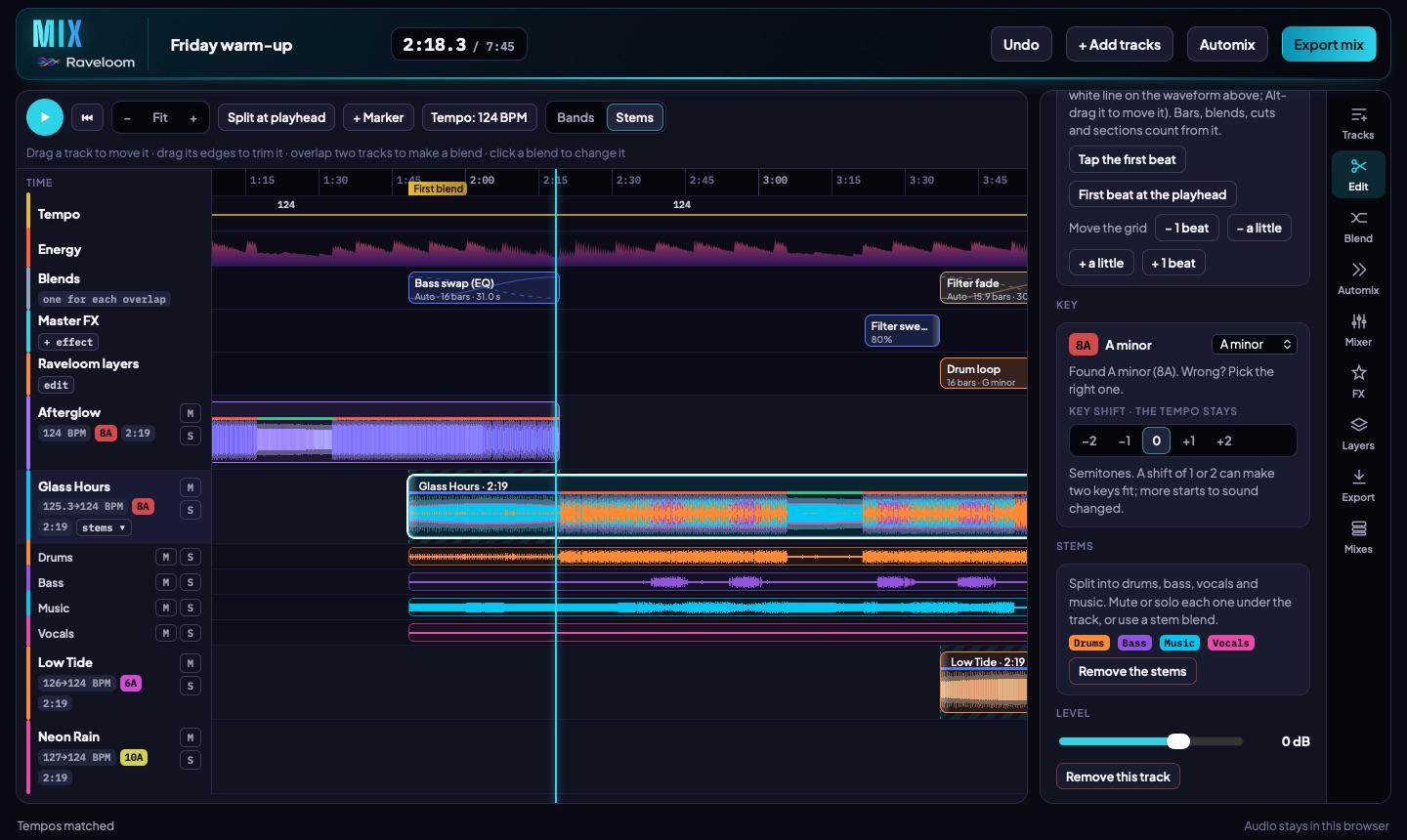
Split a track into drums, bass, vocals and music. The split runs in your browser, so nothing is uploaded. A 4-minute track takes about 40 seconds in Chrome, and less in Safari.
- Mute or solo each stem.
- Colour the waveforms by stem.
- Six blends work on stems: drop the old vocals before the new ones come in, or swap the drums halfway.
A mixer, and effects over any bars
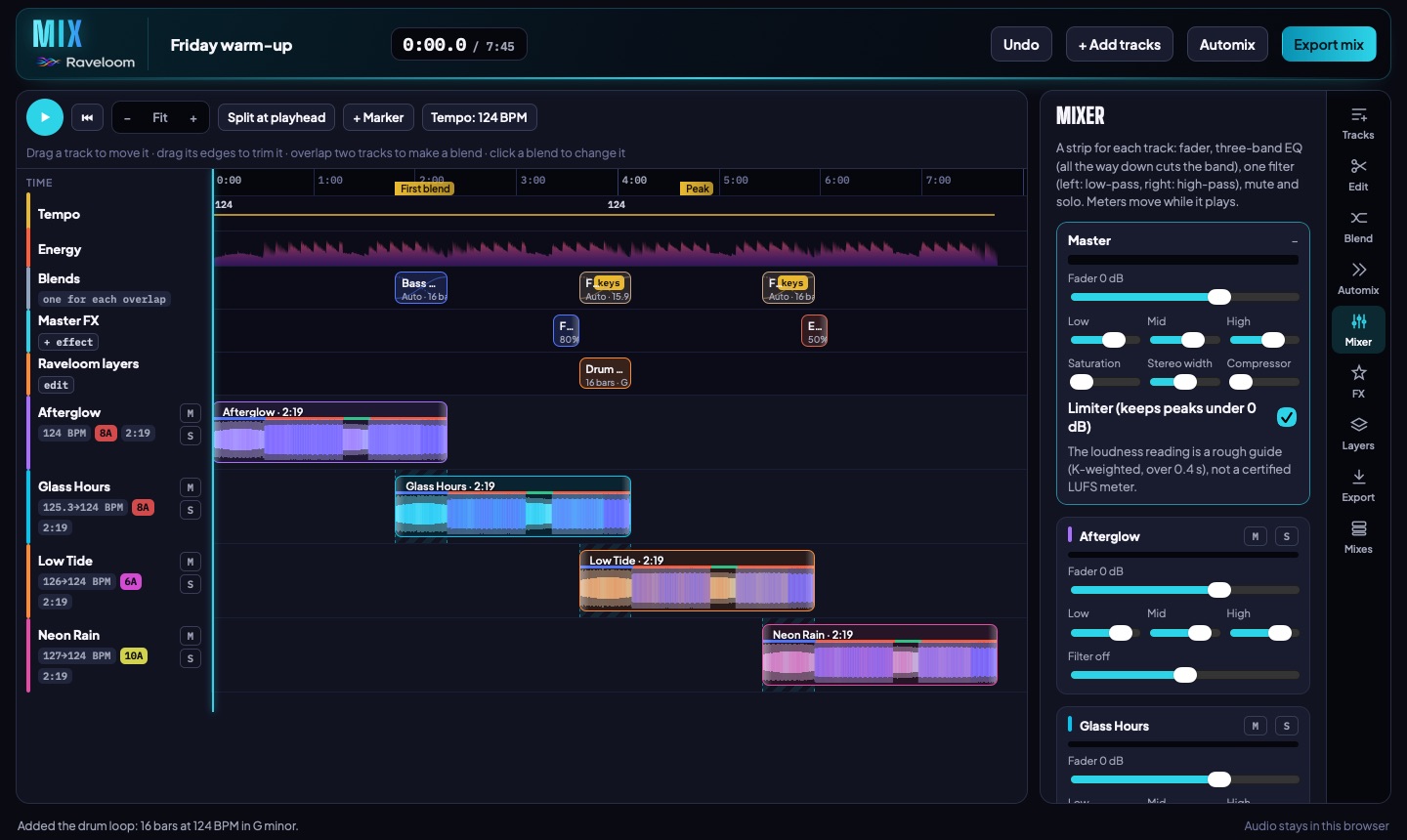
The mixer gives every track a fader, a 3-band EQ that cuts all the way down, a filter and a meter. The master has a fader, EQ, saturation, stereo width, a compressor and a limiter.
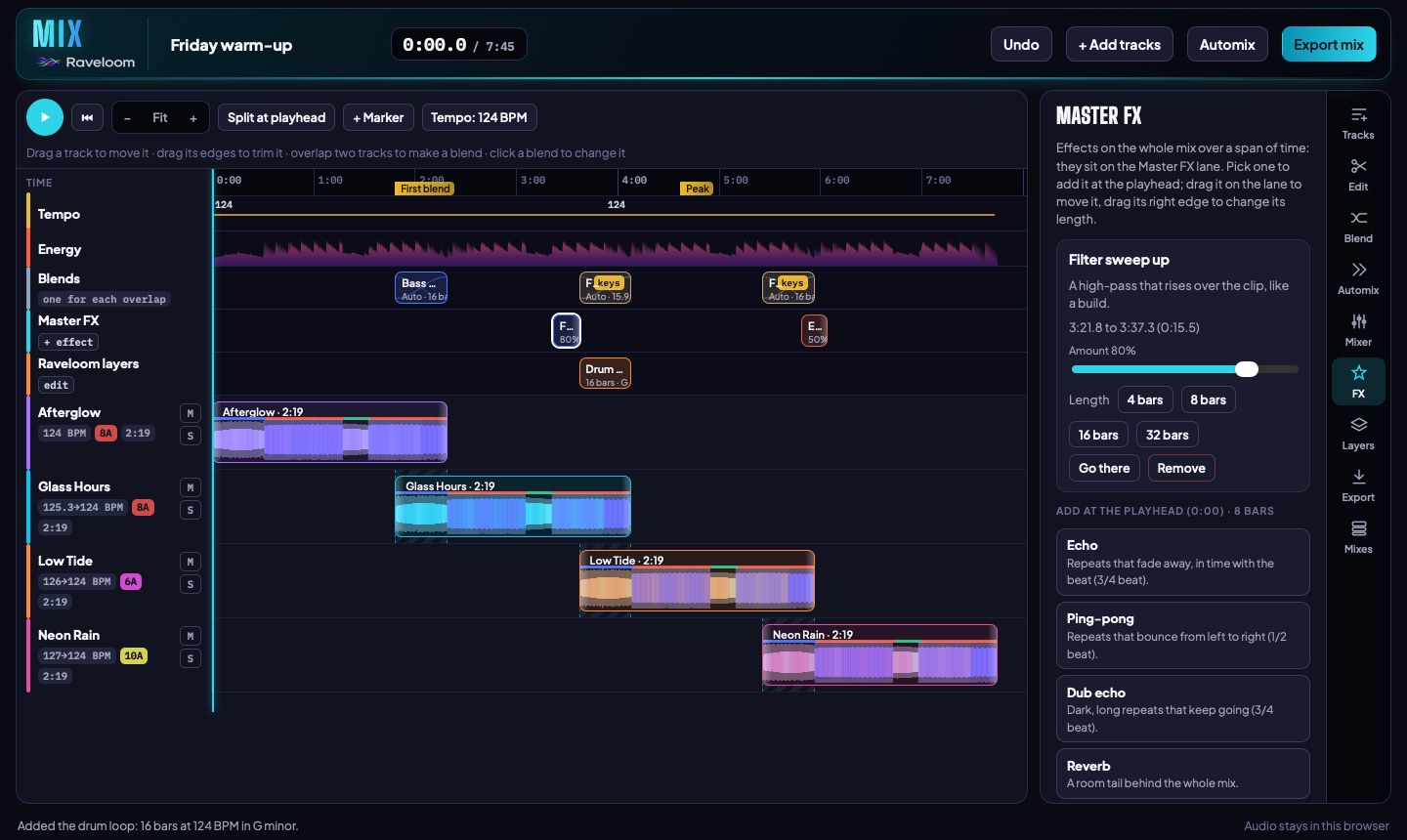
The master FX lane holds 15 effects, from echo, reverb and gate to flanger and filter sweeps. Place one over the bars where it should play.
Add Raveloom's own sounds on top
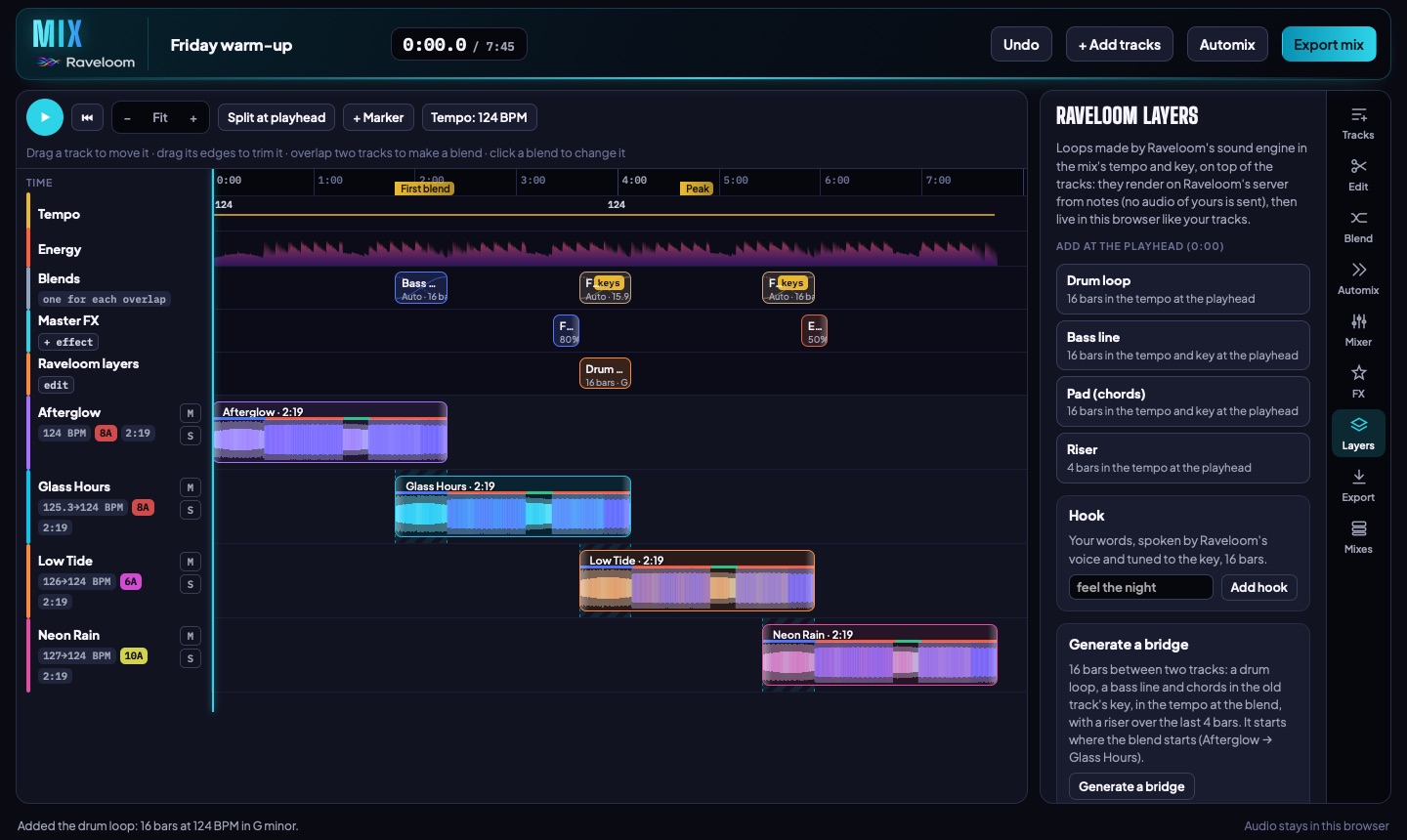
Lay a drum loop, a bass line, a pad, a riser or a vocal hook from your own words over the mix. Raveloom makes it in the key and tempo where you drop it.
Two tracks that don't fit? A 16-bar bridge between them carries the set from one to the other.
Take the set with you
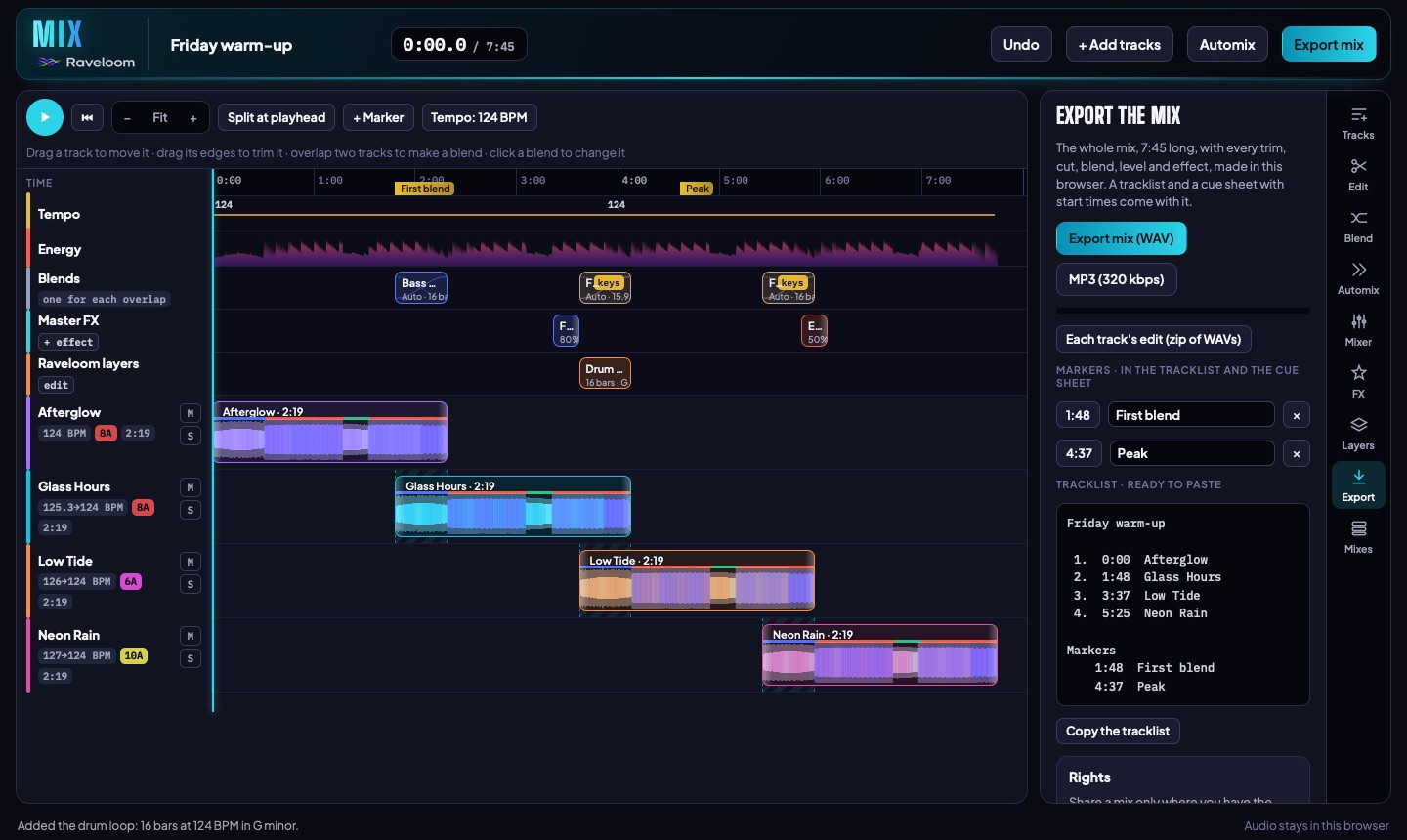
- The whole mix as a WAV or an MP3 at 320 kbps.
- A tracklist with start times, and a cue sheet.
- Each track's edit as its own WAV, in one zip.
- Keep several mixes. They stay in this browser, ready when you come back.
Your tracks stay with you
Nothing is uploaded
Mix reads WAV, MP3, FLAC, AIFF and OGG files in your browser and keeps a copy there, so your mix is still there after a reload.
No account needed
Open Mix and start. Your mixes are kept in this browser on this device.
Computers and tablets
Mix needs room for a timeline of whole tracks, so it opens on a computer or a tablet, not on a phone.
Mix only the tracks you may use. Mix plays the files you give it. To publish a mix of other people's tracks, you need their permission or a platform licensed for DJ mixes, such as Mixcloud. Mixes are not published to Explore.
Your next set starts here
Open Mix, drop in a few tracks and press Automix. Want to make your own tracks first? That's what Raveloom Studio is for.